The Keyboard Problem
Back in high school, I started propping my MacBook on top of a stack of textbooks to raise the screen for better posture, which consequently made the built‑in keyboard mostly inaccessible from that height. My solution? A $20 Bluetooth keyboard from Amazon. With the addition of a pink $10 Logitech mouse littered with the graphic of even more pink flamingos, this setup was peak.
Of course, it didn’t stop there. Why would it? Somehow I was led down the path of mechanical keyboards and found myself spending $70 on yet another keyboard. The RK Royal Kludge RK68. This time, each keypress felt deliberate, consistent and was programmable through software. The keys made a clacking sound, and instead of one single piece, the keyboard was now comprised of a base, key switches, and keycaps. With all these components, you think I would’ve been able to see the start of yet another expensive, nerdy hobby.
Needless to say, I ended up upgrading that board. I swapped the cherry profile keycaps for custom blank DSA profile keys which gave it a more minimalistic look. Then I swapped the RK-branded red switches for Gateron milky yellows for a thock-ier sound, and after stuffing the casing with pillow stuffing and masking-taping the back of the PCB, it didn’t sound half bad for a budget keyboard. It wasn’t long before I wanted something even thockier.
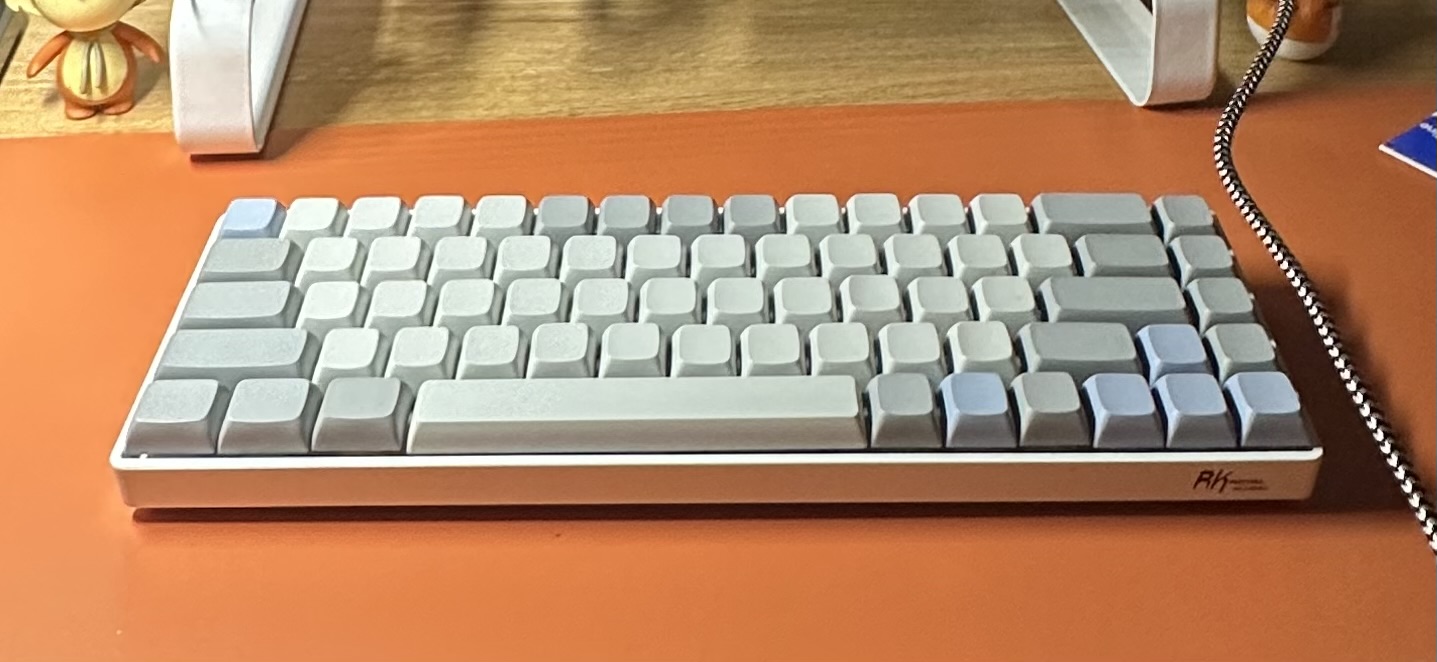
At some point, every keyboard person hits a crossroads where one must decide to go down the performance route (which today consists of Hall Effect keyboards with their special mechanisms) or end up chasing the thockiEST and creamiEST sound. I, of course, being a lousy gamer chose the latter. So the build I currently daily is a GMMK Pro Barebones with factory lubed Glorious Panda switches, which was on a whole new tier and checked every box: aluminum body with a dense premium feel, gasket-mounted design, 75% layout, a programmable knob (iykyk, we love a knob), and pre-lubed stabs with per-key RGB as a bonus.
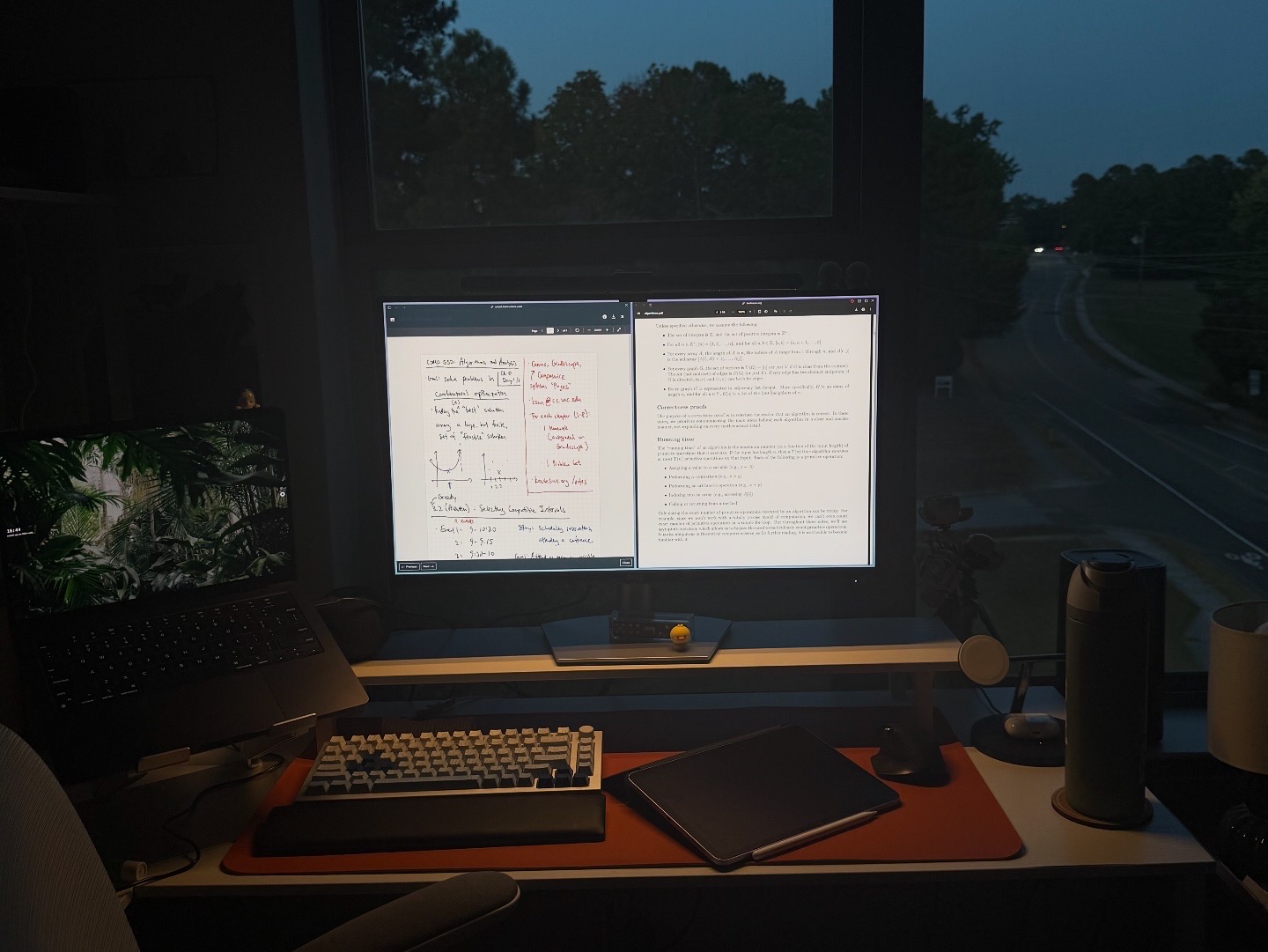
This build for some reason though, still sounds a bit hollow. The stabs could definitely use some work — others online have complained about the factory stabs too, and the spacebar in its current state is almost unbearable. I thought maybe I cheaped out on the keycaps too much, but I doubt ABS vs PBT plastic will make that big of a difference in the sound. The most suggested mod is a PE case and frame foam layers sold by StupidFish, so I might try that and let you know how that goes.
In the meantime, I have another keyboard en route. Surprise, surprise. I tried out the Keychron V1 Ultra the other day and fell in love with the sound and build. I needed to find a way to justify buying another keyboard — here’s what I came up with: “Well I need a smaller build for travel and to use at the office.” With that excuse, I started scouring Keychron’s site for a 60% keyboard. Their inventory has definitely grown over the past few years. There’s an abundance of series and versions now. I eventually decided on the V4 Max with Gateron Jupiter Bananas, which for $104 was hard to say “no” to. It had all of the things that I loved in the GMMK Pro, but in a smaller body and with OSA PBT keycaps. I’m hoping it sounds better than my current setup, but we’ll find out in a few days. I hope I don’t regret copping it over the NuPhy Air65 V3, which I have been eyeing for its low-profile design for a little while now. NuPhy makes some sexy keyboards and I think a low-profile build would be even more portable.
Might somehow end up with both. This rabbit hole doesn’t stop. Who knew a $20 Bluetooth keyboard and a flamingo mouse would lead here.